Dell Price Tracker
iPhone, Chrome, Firefox, Edge & Safari
Use the iPhone app to share or paste a product link and receive push alerts, or use a desktop browser extension for one-click tracking. Track Dell prices automatically and get alerted when laptops, monitors, desktops, and accessories hit your target. Free browser extension with price history and instant alerts.
Track any Dell product
Can't install an extension — or on your phone? Paste a Dell product link and we'll check the price daily and email you when it drops.
Why use a Dell price tracker?
Dell pricing changes frequently across XPS laptops, Alienware gaming PCs, monitors, desktops, and accessories. Coupon cycles, limited-time bundles, and promotional discounts can appear and disappear quickly. A dedicated Dell price tracker helps you buy when the number is right instead of guessing.
Price Drop Catch adds a one-click Track Price button on supported Dell product pages. Set your own target and let the extension monitor in the background. When Dell lowers the price to your threshold, you receive an instant browser notification.
Whether you are comparing specs for work, school, content creation, or gaming, tracking Dell prices makes timing your purchase easier and avoids paying peak pricing on high-ticket hardware.
Live Dell price history
Crowdsourced from Price Drop Catch users. Charts update as people track Dell products — always verify the live price at checkout.

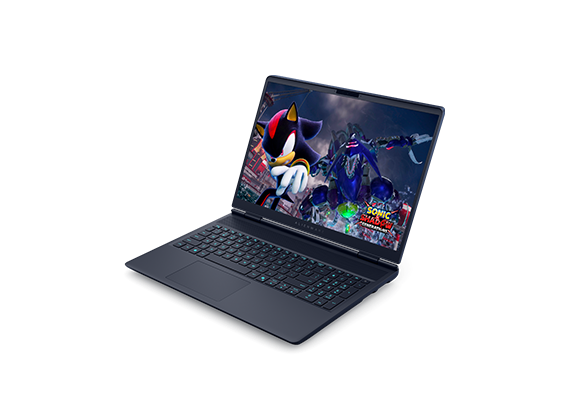


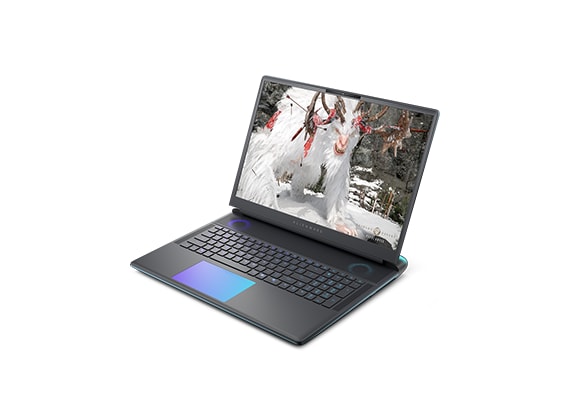

What you get with Price Drop Catch on Dell
- Instant Dell price drop alerts when your target is reached
- Automatic tracking for laptops, monitors, desktops, and accessories
- Custom target price per product (default: 5% below current)
- Price history charts to verify real discounts over time
- One-click tracking directly on supported dell.com product pages
- 100% free, no account required, with local-first browser storage
How Dell price monitoring helps you save
Ideal for shoppers monitoring XPS, Inspiron, Latitude, Precision, Alienware, and Dell UltraSharp product pages. If you are searching for a Dell deal tracker or a reliable way to get alerted when Dell prices drop, this gives you continuous monitoring without manual refreshes.
Related price trackers & guides
Amazon price tracker · Best Buy price tracker · Newegg price tracker · Micro Center price tracker · Walmart price tracker · Office Depot price tracker · HP price tracker · Lenovo price tracker
See crowdsourced charts on our Dell price history hub, then install the extension if you want alerts on a specific product.
Learn more on our FAQ page or Price Drop Catch homepage for supported stores, privacy, and how browser notifications work.
How it works
On iPhone: install the app, sign in, then open the product page on Dell and tap Share to choose Price Drop Catch. You can also paste the product link in the app. Set a target price and allow notifications for push alerts. Get the iPhone app.
FAQ — Dell price tracker
Install the free Dell price tracker
Get the iPhone app or install a browser extension in under a minute. No subscription.