GameStop Price Tracker
iPhone, Chrome, Firefox, Edge & Safari
Use the iPhone app to share or paste a product link and receive push alerts, or use a desktop browser extension for one-click tracking. Track GameStop prices on video games, consoles, controllers, headsets, collectibles, trading cards, and gaming accessories: free browser extension with one-click tracking, price history charts, and instant desktop alerts when GameStop drops the price. No sign-up, private and local.
Track any GameStop product
Can't install an extension — or on your phone? Paste a GameStop product link and we'll check the price daily and email you when it drops.
Why use a GameStop price tracker?
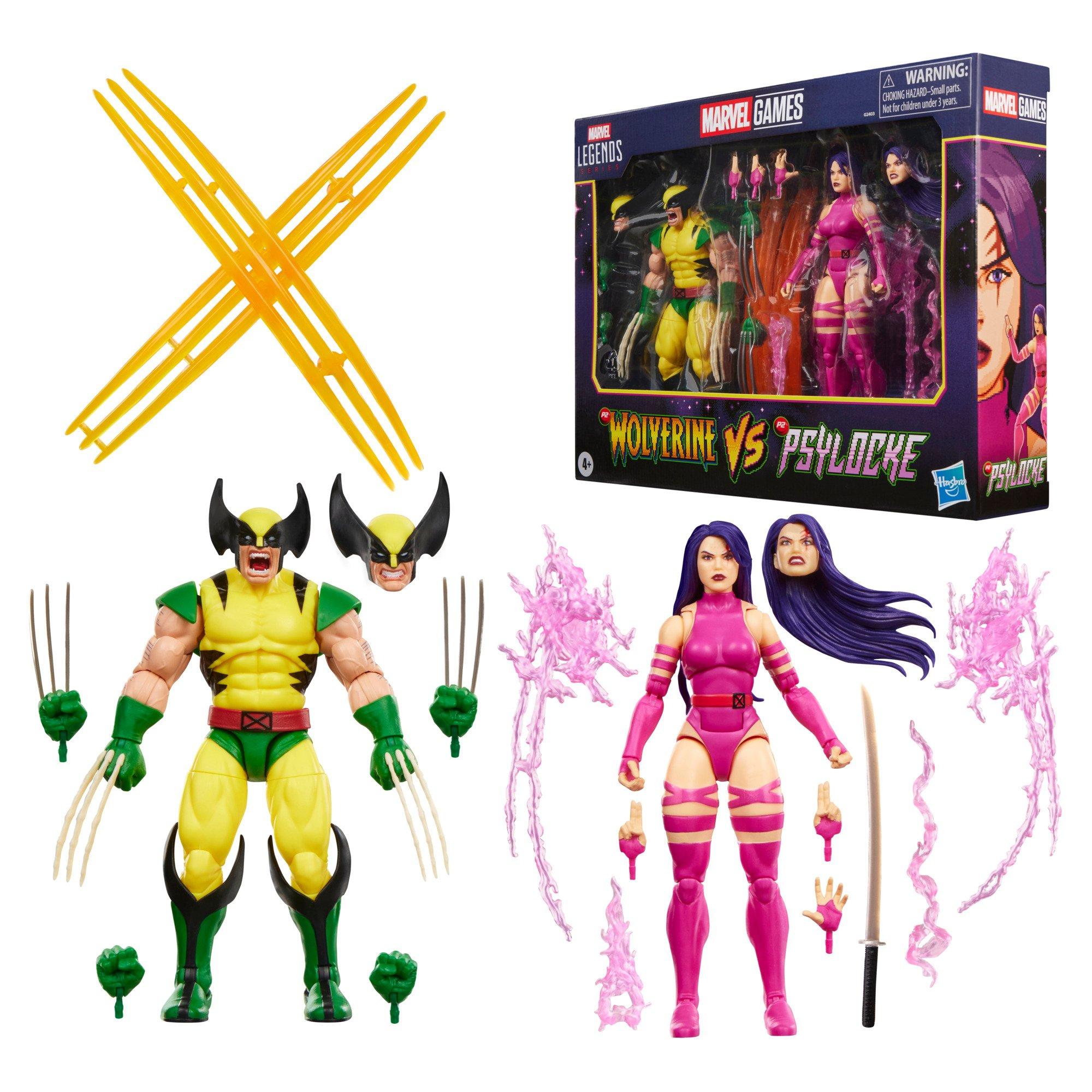
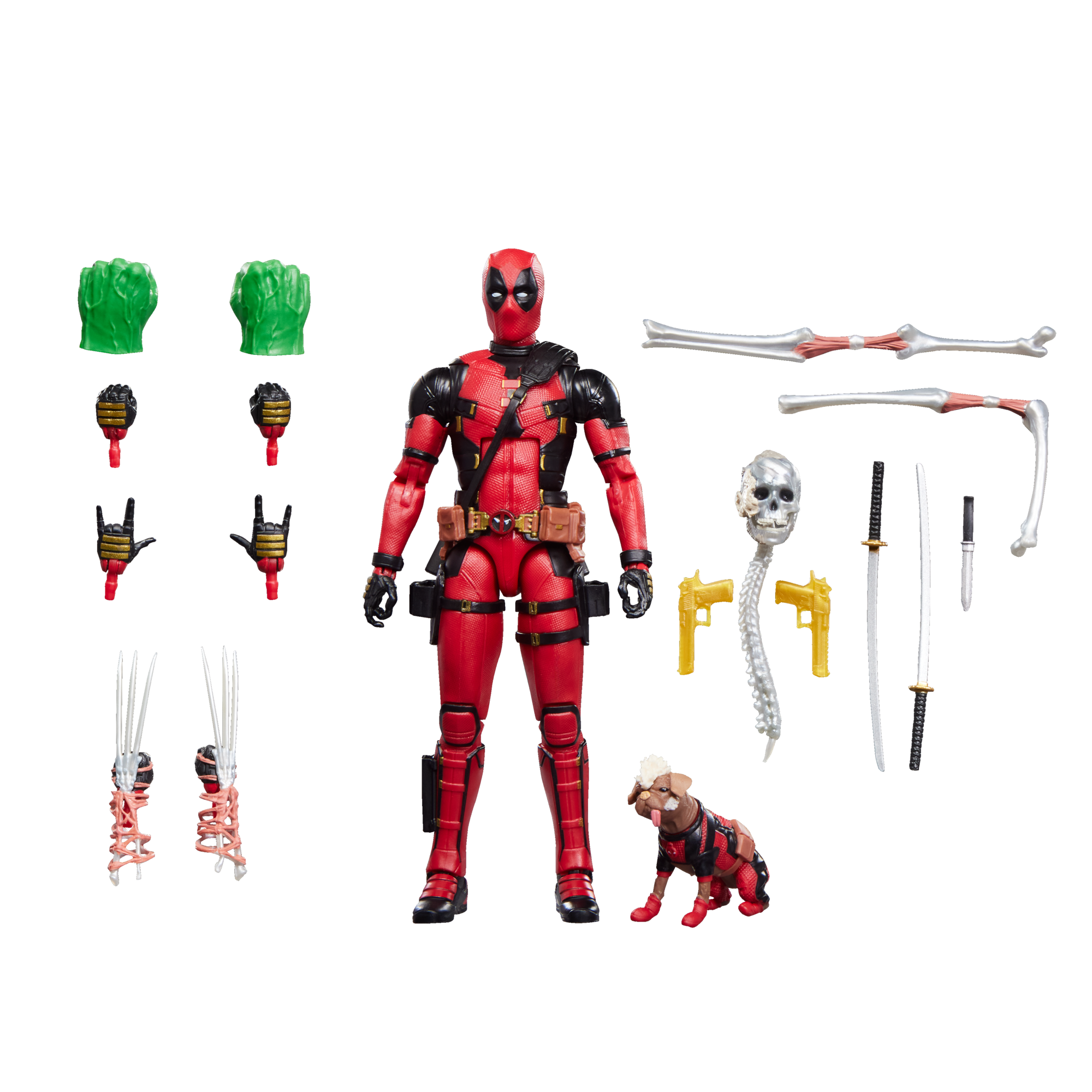
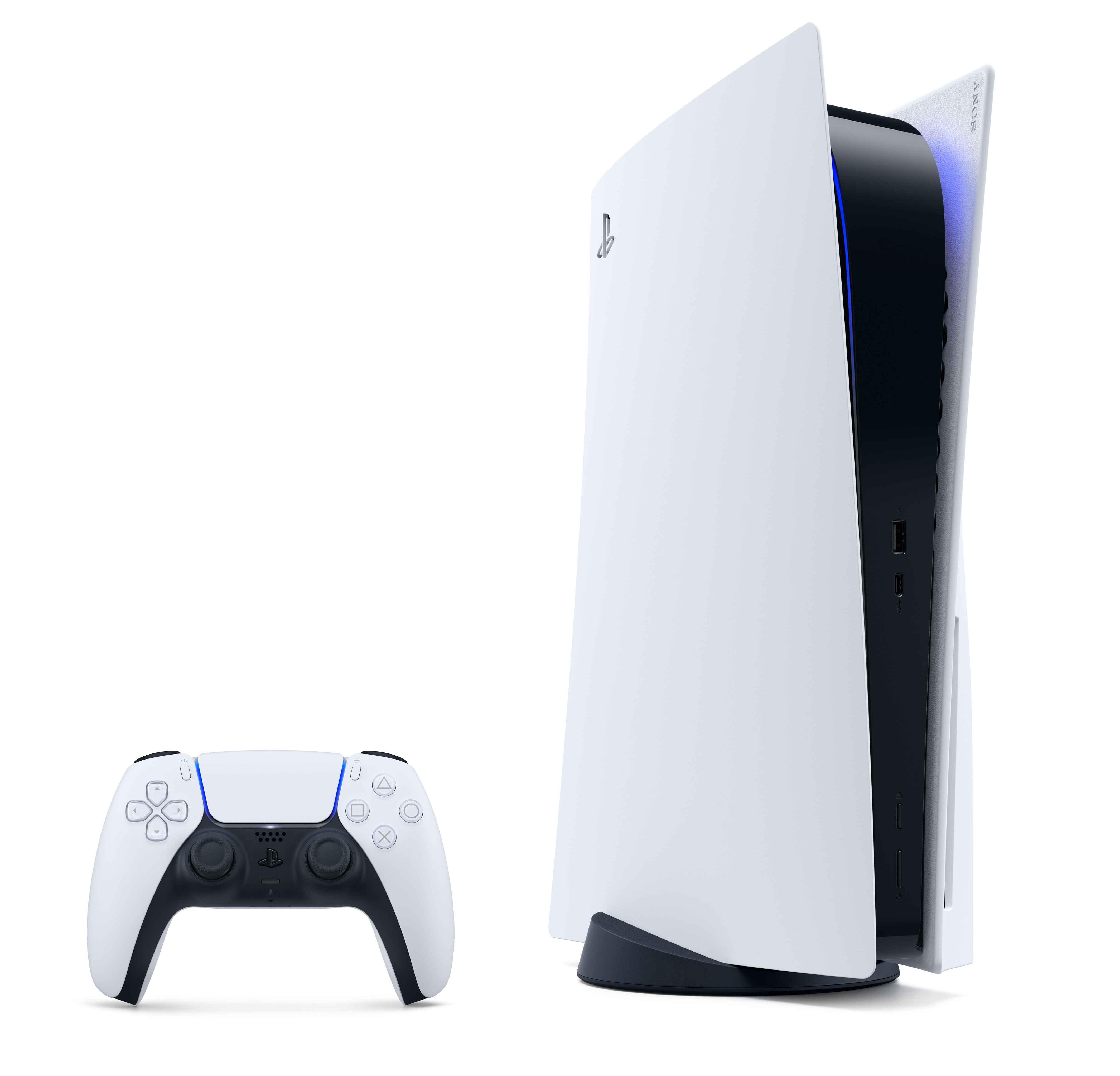
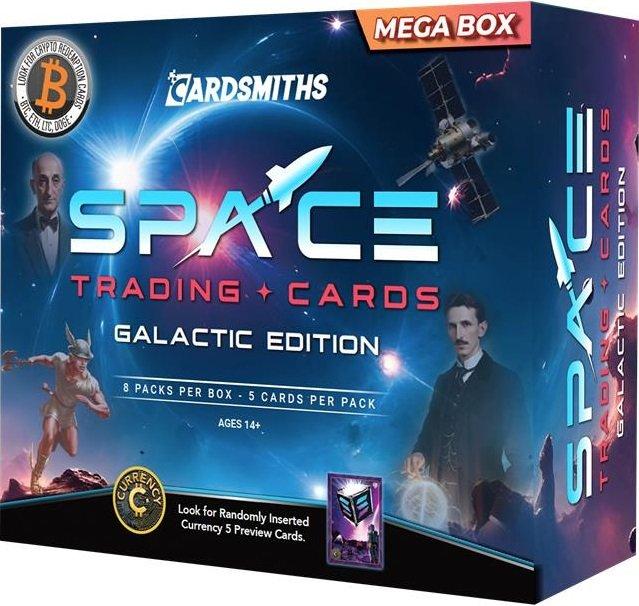
GameStop prices swing constantly across new-release video games, PS5, Xbox Series X|S, and Nintendo Switch consoles, controllers and headsets, pre-owned titles, Pokémon and Magic: The Gathering trading cards, and Funko Pop and anime collectibles. Weekly sales, PowerUp Rewards member offers, trade-in credit promos, and holiday markdowns can slash prices for a few days before they bounce back. Without a GameStop price tracker, you either miss the window or overpay on the wrong week.
PriceDropCatch adds a one-click Track Price button on supported gamestop.com product pages. Set a target once, and the extension watches the page in the background and sends a desktop notification the instant GameStop hits your price — no need to refresh the tab.
Whether you are pre-ordering GTA VI, waiting for a PS5 console bundle, timing a controller or headset upgrade, or hunting Pokémon booster boxes and Funko Pop exclusives, tracking GameStop prices gives you a clearer signal than checking the site every day.
All of it runs in your browser. Your GameStop wishlist and tracked-price history never leave your device, so this is a fully private way to monitor GameStop prices without an account.
Live GameStop price history
Crowdsourced from PriceDropCatch users. Charts update as people track GameStop products — always verify the live price at checkout.



What you get with PriceDropCatch on GameStop
- Instant GameStop price drop alerts when your target is reached
- Price history charts for games, consoles, controllers, collectibles, and trading cards
- Custom target price per GameStop product (default 5% below current)
- One-click tracking directly on supported gamestop.com product pages
- Useful for weekly sales, PowerUp Rewards promos, holiday deals, and new-release pre-orders
- 100% free, no account required, with local-first browser storage
How GameStop price monitoring helps you save
Ideal for tracking PS5, Xbox Series X|S, and Nintendo Switch games, console bundles and accessories, gaming headsets and controllers, Pokémon and Magic: The Gathering booster boxes, Funko Pop and Loungefly collectibles, gaming chairs and PC gear, and pre-owned game deals. If you searched for a GameStop deal tracker or a way to get notified when GameStop prices drop, PriceDropCatch gives you a lightweight browser workflow.
Related price trackers & guides
PlayStation Direct price tracker · Best Buy price tracker · LEGO price tracker · Target price tracker · Walmart price tracker · Amazon price tracker · eBay price tracker · Newegg price tracker
See crowdsourced charts on our GameStop price history hub, then install the extension if you want alerts on a specific product.
Learn more on our FAQ page or PriceDropCatch homepage for supported stores, privacy, and how browser notifications work.
How it works
On iPhone: install the app, sign in, then open the product page on GameStop and tap Share to choose PriceDropCatch. You can also paste the product link in the app. Set a target price and allow notifications for push alerts. Get the iPhone app.
FAQ — GameStop price tracker
Install the free GameStop price tracker
Get the iPhone app or install a browser extension in under a minute. No subscription.